

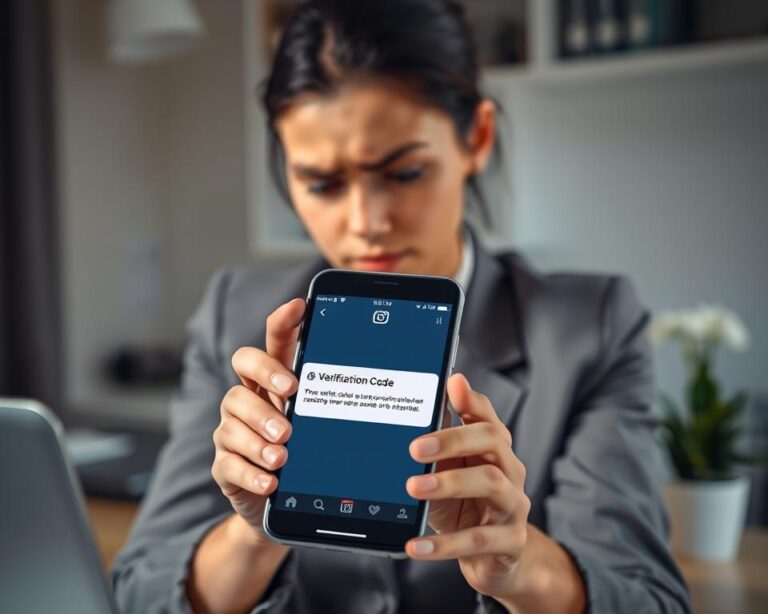
Waiting on an Instagram code that never shows up is maddening. The fix usually lies in where the message gets stuck, not in Instagram itself.
You typed in your details, tapped the button to receive a verification code, and then watched your screen do absolutely nothing. No text, no email, just a blinking cursor and a slow rise of frustration. It is one of the most common complaints in all of Instagram recovery, and part of what makes it sting is that you are doing everything right.
The code exists. It was sent. Somewhere between Instagram’s servers and your phone, the message got stuck. That reframe matters, because it points your attention away from Instagram which is usually working fine and toward the delivery path, which usually is not. Once you know where these messages tend to disappear, the fix is generally quick.
Rule out the boring explanation first
Before blaming anything technical, confirm that the contact details you entered are exactly correct. A single transposed digit in a phone number sends the text to a complete stranger, and one wrong character in an email address sends it nowhere at all.
This sounds too obvious to matter, yet people retype these fields dozens of times under stress and stop reading them carefully. Slow down, double-check the country code on the number, and make sure the email matches the one truly linked to your account. This unglamorous step quietly resolves more cases than any clever workaround, so it is worth doing before anything else.
Why text-message codes vanish and how to free them
SMS codes travel through your mobile carrier, and that is where most of them get lost. Carriers sometimes treat the short codes Instagram uses as spam and silently filter or block them. A weak signal, a congested network, or a brief carrier outage can delay a message by minutes or even hours. A phone set to a focus or Do Not Disturb mode may suppress the notification even when the text technically arrives. And if you have already requested several codes in quick succession, Instagram may temporarily pause new attempts to guard against abuse.
The good news is that each of these has a simple counter. When a text refuses to show up, work through this short checklist before doing anything drastic:
- Restart your phone, which clears small messaging glitches surprisingly often.
- Switch off any focus or Do Not Disturb mode.
- Check whether your phone or carrier is filtering short codes, and look inside any blocked-messages folder.
- Stop requesting new codes for a while if you suspect a temporary block from too many attempts.
- If you can, move to a stronger signal, or pop the SIM into another handset to see whether the code lands there.
Working through these one at a time, rather than firing them all off at once in a panic, is what tends to shake the message loose.
Why email codes go missing
Email has its own set of failure points, and the most frequent is the least dramatic: the spam or junk folder, where automated messages quietly pile up unseen. Some providers route Instagram’s mail into a promotions or updates tab you rarely open, while others delay or reject the message outright. Occasionally the address on file is simply not the one you are checking.
So when an email code does not arrive, search your entire mailbox not just the inbox for messages from Instagram, and look through spam, junk, promotions, and archive folders. Make sure Instagram’s address is not on a blocked-sender list and that no forwarding rule is quietly siphoning the message somewhere else. If your inbox is completely full, clear some space, because a number of providers stop accepting new mail once storage runs out. As with texts, give it a few minutes between attempts instead of firing off request after request, which can itself trigger a cooldown.
The VPN trap almost everyone forgets
If you use a VPN or proxy, it can quietly sabotage code delivery. Instagram’s security systems may flag traffic that appears to jump between countries, and that suspicion can interfere with both sending and accepting a verification code.
This catches out people who keep a VPN running by default and never connect it to the problem in front of them. If your codes simply will not come, switch the VPN off, connect through your normal network, and try again. It is a single change that resolves a startling number of otherwise stubborn cases and costs you nothing to test.
A shortcut, and knowing when to stop
If your Instagram account is linked to a Facebook account you can still access, you may be able to sidestep the code problem altogether. On the login screen, the option to continue with Facebook can let you back into Instagram, after which you can correct the phone number and email so future codes actually reach you. It is not available to everyone, but when it is, it turns a delivery headache into a non-issue.
It also helps to recognize the point where persistence becomes counterproductive. If a text or email has not arrived after a genuine wait, requesting it again and again rarely helps and can trigger further delays. The smarter move is to change something — the network, the device, the contact method, the channel — rather than repeating the identical request and hoping for a different result. Persistence works best when it is varied, not when it is simply louder.
A word of caution before you trust a “fix”
Because this problem is so widespread, scams have grown up around it. Avoid any third-party site, app, or messaging-app contact claiming it can deliver an Instagram code, bypass verification, or restore access for a fee. Verification codes are a security feature, and no legitimate service sells a way around them. Worse, sharing a code you do receive with anyone even someone claiming to be support hands them the keys to your account. A real code is for your eyes only.
For current step-by-step guidance, Instagram’s Help Center at help.instagram.com and the access-recovery hub at instagram.com/hacked walk through code and login problems directly, and starting from those official destinations keeps you away from copycat pages built to harvest your details.
A code that will not arrive feels like a locked door with no handle, but the message is almost always stuck somewhere ordinary: a spam folder, a carrier filter, a focus mode, a VPN. Work through those quiet bottlenecks one at a time, give each attempt a little breathing room, and the code you have been waiting for usually turns up.